12 Top AI Video Generators: Create Professional Videos in Minutes

Crafting a top-notch video might feel like a daunting task, especially if you’re just starting out and facing the challenges of scripting, shooting, and editing solo. Plus, the expenses for equipment like lights, cameras, and mics can quickly add up.
But fear not! AI video generators are here to save the day. They make professional video creation a breeze, all without breaking the bank or causing tech headaches. With these tools, you can whip up impressive videos in mere minutes. No wonder the market for AI video generators is booming, expected to skyrocket from $423 million in 2022 to a whopping $1.5 billion by 2029.
Ready to save yourself countless hours and effortlessly produce eye-catching videos? Dive into our guide to discover the cream of the crop in AI video generators for 2024. It’s time to revolutionize your content creation journey and rake in those big bucks. Let’s get started!
Summary of Best Ai Video Tools
Short on time for digging through endless research? No worries! Here’s a convenient table summarizing the top AI video tools available:
| Tool | Key Features | Pricing | Try Now |
|---|---|---|---|
| In Video | Collaboration features. Large collection of royalty-free media. Automated blog post-to-video conversion. | Free version Plus plan: $25/month Max plan: $48/month | Try Now |
| Descript | Automated Transcription. Overdub Voice Cloning. Studio Sound Editing. | Free Trial Creator Tier: $15 per user per month Pro Tier: $30 per user per month Enterprise Tier: Custom | Try Now |
| Fliki | Versatile use cases. Extensive stock library. Variety in voice styles. | Free demo Standard: $28 Premium: $88 | Try Now |
| Opus Clip | AI Curation. AI Virality Score. AI Co-Pilot. Active Speaker Detection. | Free plan Starter Plan: $9 per month Pro: $ 19 per month | Try Now |
| Colossyan | 70+ languages30+ AI actors. Multiple actors in one scene. Custom avatars. | Free demo Basic plan: $21/month Pro plan: $100/month Enterprise plan: custom prices | Try Now |
| Deepbrain AI | ChatGPT integration for script writing. Realistic text-to-speech voices. | Starter Plan: $30/month Pro Plan: $225/month Enterprise Plan: custom pricing | Try Now |
| Hour One | 30+ AI characters27 video templates. 19 languages Brand kit. | Free demo Lite plan: $30/month Business plan: $229/month Enterprise plan: custom pricing | Try Now |
| Synthesia | 140+ languages for voiceovers. 160+ realistic AI avatars with gestures. 60+ video templates Custom avatars. AI script generation. Auto translation. Collaborative video editing. | Free demo Starter plan: $22/month Creator plan: $67/month Enterprise plan: custom pricing | Try Now |
| Pictory | Support for different aspect ratios. Extensive library of templates Auto-captions. | Standard plan: $23/month Professional plan: $47/month Teams plan: $119/month | Try Now |
| Synthesys | 69 real Humatars. 140+ languages and 254 unique styles. Excellent tool for explainer videos, eLearning, social media, and product descriptions. Easy-to-use interface | Personal $20/m Creator Unlimited$59/mo Business Unlimited $99 | Try Now |
| HeyGen | 100+ AI avatars. 36 templates. 40 languages. Face-swap option. | Free demo Essential plan: $30/month Pro plan: $225/month Enterprise plan: custom pricing | Try Now |
| BasedLabs | BasedLabs turns images into videos with AI technology. Ideal for creators, influencers, and businesses. Features include AI Video, Faceswap, and Image Upscaler tools. | Try Now |
12 Best AI Video Generators
Selecting the ideal AI video generator can seem like searching for a needle in a haystack. But fret not! We’ve taken on the task for you. In this blog, we’ll unravel everything about the top 10 AI video generators. You’ll learn about their standout features, advantages, and drawbacks, all to simplify your decision-making process. So, let’s dive in and find the perfect match for your video creation needs!
1. In Video
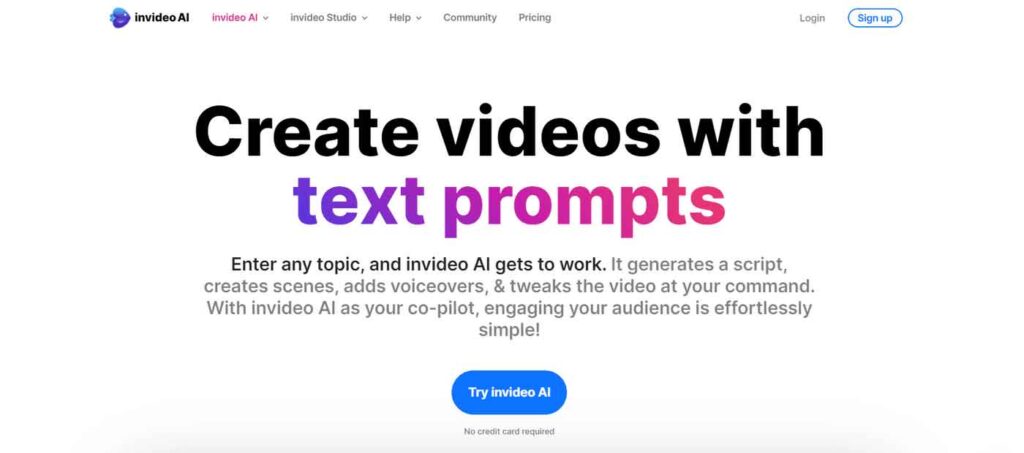
Get ready to elevate your video game to pro levels without the pro-level stress! Thanks to InVideo AI, creating impressive videos is about to become a breeze, even if you’re a complete beginner. Say goodbye to hefty investments in cameras and gear.
With InVideo AI, all you need to do is envision the type of video you want to make and provide a simple prompt (like “create a video on ‘5 productivity tips’ with an American male accent”), and voilà! Your ideas will be magically transformed into stunning videos within minutes.
Whether you’re a budding entrepreneur, a content creator, or a marketer looking to boost your online presence, InVideo AI will be your ultimate go-to tool. Say hello to effortless video creation and goodbye to stress!
Key Features
- Collaboration features
- Large collection of royalty-free media
- Automated blog post-to-video conversion
Pros And Cons
Pros
- Quick video creation from words.
- Access to extensive stock media.
- Time-saving AI script generation.
- Cost-effective AI voiceover tool.
Cons
- Learning curve.
- Watermarks in free version.
Pricing
- Basic: Free
- Plus: $25/month
- Max: $60/month
- (The yearly plans start as low as $20/month)
2. Descript
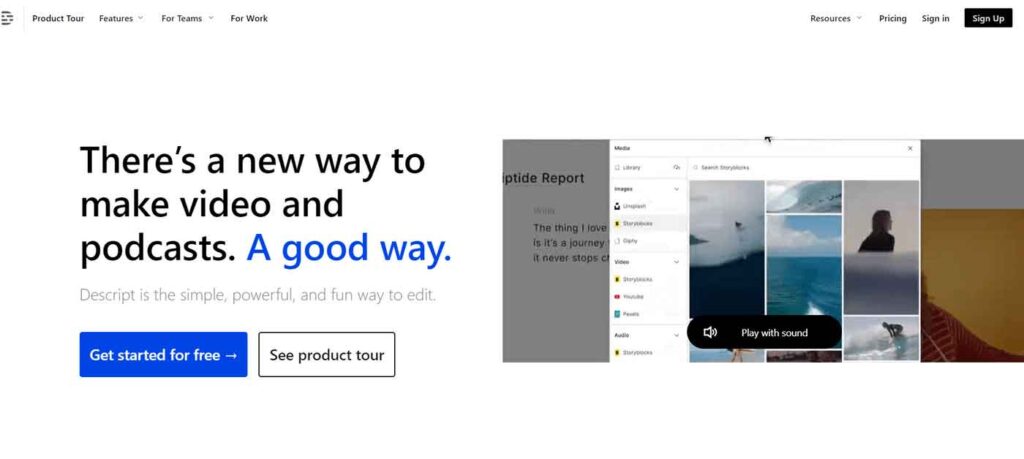
Descript can assist with evoking human facial expressions and emotional responses, as well as tackling technical bottlenecks that slow down the video generation process. By streamlining your creative workflow, it enhances the quality of your output, making it more high-end and appealing.
Additionally, Descript acknowledges the importance of human involvement in video production. Rather than aiming to replace human creativity, it enhances it. Descript provides vision and lets AI handle the heavy lifting, empowering you to achieve your creative goals more effectively.
Key Features
- Automated Transcription
- Overdub Voice Cloning
- Studio Sound Editing
Pros And Cons
Pros
- Offers automatic transcription in 23 languages, simplifying content creation.
- Allows easy editing and rearranging of content.
- Enhances audio quality, making spoken words clearer.
- Integrates with various platforms like Slack, Podbean, Restream, and Final Cut Pro.
- Provides tutorials for quick mastery of features.
Cons
- Steep learning curve, especially for users accustomed to text-based editing.
- Lacks advanced editing capabilities expected in professional-level video editing software.
- Pricing based on per-person, per-month fees, potentially costly for larger teams or organizations.
Price
- Free Tier
- Creator Tier: $15 per user per month
- Pro Tier: $30 per user per month
- Enterprise Tier: Custom
3. Fliki AI
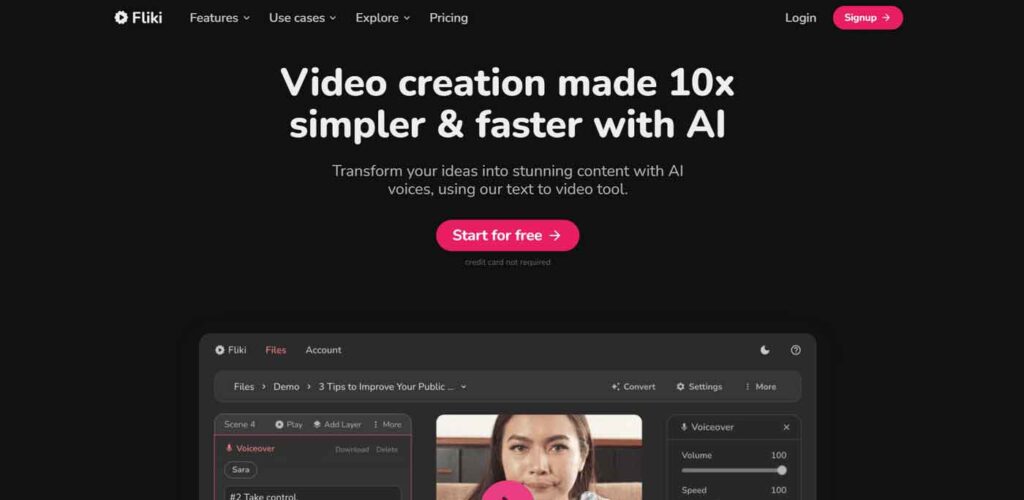
Fliki, a free AI text-to-video generator with paid options, simplifies video creation to the extent of writing a few sentences. Beyond its practicality, Fliki contributes to a broader change in content culture, aligning with the trend towards video over text. It serves as an ideal tool for creators and marketers seeking to capture their audience’s attention effectively.
Key Features
- Versatile use cases
- Extensive stock library
- Variety in voice styles
Pros and Cons
Pros
- User-friendly interface enhances creativity.
- Professional-quality voiceovers improve viewer experience.
- Extensive stock library simplifies content creation.
- Cost-effective compared to professional voiceover services.
Cons
- Limited pictorial variety.
- Occasional glitches may disrupt workflow.
- Free version restricts monthly usage.
Price
- Free Plan
- Standard Plan: $21 per month for annual plan
- Premium Plan: $66 per month for annual plan
4. Opus Clip
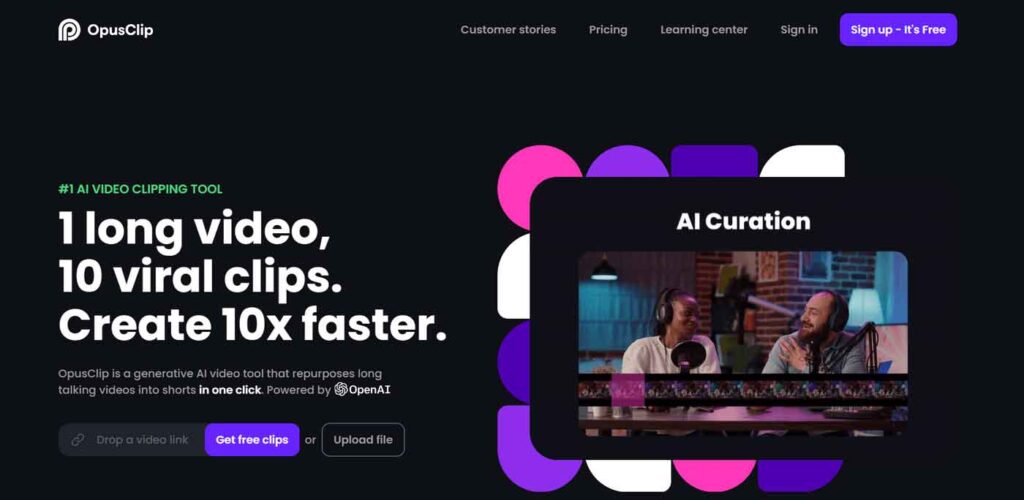
Opus Clip stands out for its ability to transform full-length videos into viral short clips, leveraging comprehensive video content analysis. It identifies the most impactful segments and compiles them into easily digestible snippets.
Additionally, it utilizes advanced AI features like AI Curation, AI Virality Score, and AI Emoji Generator to enhance content attractiveness and virality. Offering a balance between user-friendliness and advanced AI functionality, Opus Clip caters to both newcomers and experienced users alike.
Key Features
- AI Curation
- AI Virality Score
- AI Co-Pilot
- Active Speaker Detection
- AI Keyword Highlighter
Pros and Cons
Pros
- Dramatically speeds up video production, reducing hours of work to minutes.
- Free trial allows testing of features with up to 120 minutes of video.
- Multi-language support enhances usability for diverse audiences.
- Advanced first paragraph generation attracts viewers from the start.
Cons
- Steep learning curve may hinder quick results for those seeking simplicity.
- Effectiveness relies on quality of input video.
- Limited customization options may not suit all user preferences.
- Default captions may not align with creative vision.
Price
- Free plan
- Starter Plan: $9 per month
- Pro: $ 19 per month
5. Colossyan
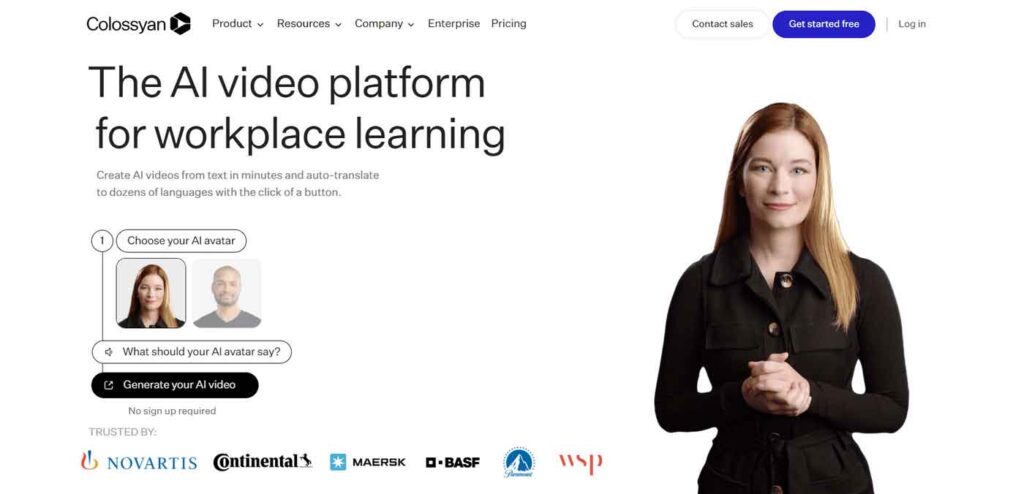
If you’re in search of the top AI music video generator, consider Colossyan. This AI-assisted tool streamlines video creation across various forms like marketing, explainer, and training content. Notably, Colossyan excels in producing content in over 70 languages, making it versatile for diverse industries and applications.
Key Features
- 70+ languages
- 30+ AI actors
- Multiple actors in one scene
- Custom avatars
Pros and Cons
Pros
- Easy-to-use interface for beginners.
- Wide range of customization options available.
- Smooth scene transitions and high-quality output.
- Flexible pricing plans to suit different budgets.
Cons
- Limited to AI-generated avatars, no option for live human actors.
- Some customization features may require learning.
Price
- Starter Plan: $35 per month
- Pro Plan: $120 per month
- Enterprise Plan: Customizable
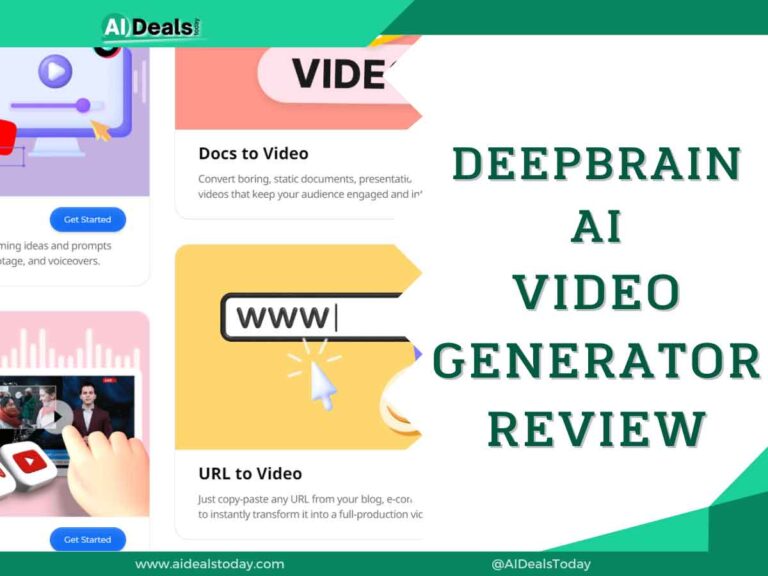
6. DeepBrain AI
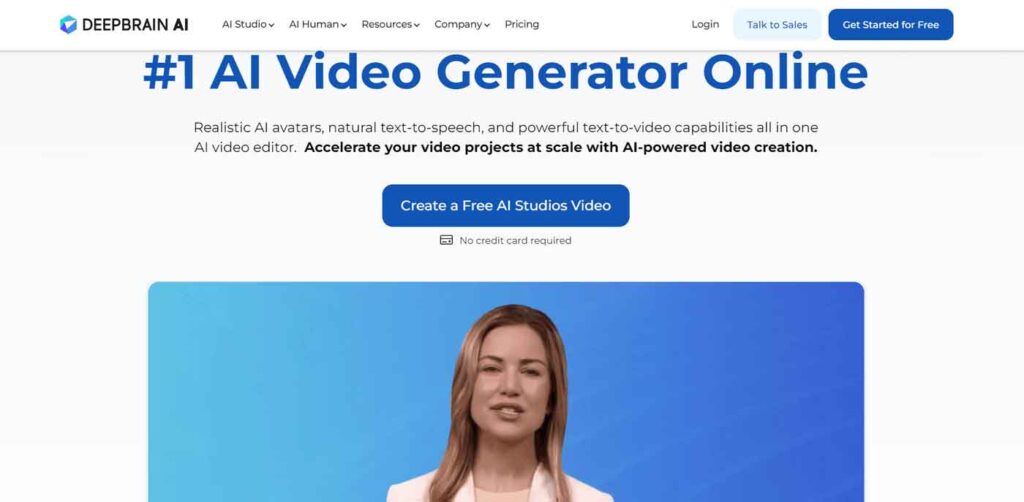
DeepBrain AI simplifies the video creation process, eliminating the complexities and costs associated with video editing. Just input or upload a script to the platform, and it transforms into the main storyline of your video. With the text-to-speech feature, your written words are seamlessly converted into spoken narration, resulting in a complete video in under 5 minutes.
Key Features
- ChatGPT integration for scriptwriting
- Realistic text-to-speech voices
Pros and Cons
Pros
- Diverse AI avatars for creativity and personalization.
- Up to 50 scenes per video, providing ample choices.
- Face swap feature enhances engagement.
- Flexible pricing plans suit various needs and budgets.
Cons
- No integration with other software or platforms.
- Lack of collaboration features for team projects.
Pricing
- Starter Plan: $30 per month
- Pro Plan: $225 per month
- Enterprise Plan: Customizable
7. Hour One AI
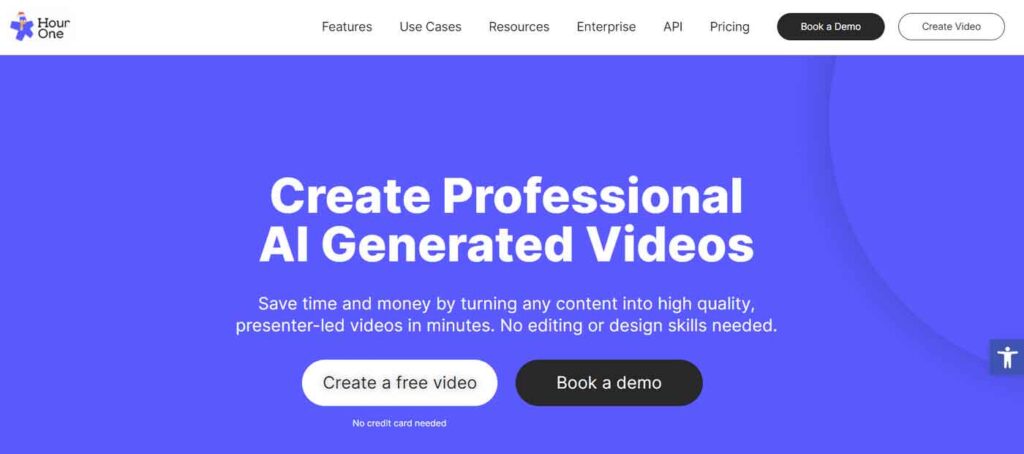
Hour One AI is a top choice for AI-generated videos, particularly as the best free AI video generator available. Its publishing platform, Reals, offers a self-serve AI-video tool with various content options, including personalized presenter-led videos generated from text.
Using advanced neural networks, machine learning, and audio-visual pipelines, Hour One AI creates and animates characters realistically. This technology enables a single character to deliver thousands of lines of text in multiple languages seamlessly within a video stream.
Key Features
- 30+ AI characters
- 27 video templates
- 19 languages
- Brand kit
Pros and Cons
Pros
- Variety of video templates and blank formats for customization.
- AI wizards create full videos from minimal input.
- Convenient and fast platform for quick video creation.
- Built-in voice modulations enhance performance.
Cons
- Personal plan limits maximum video quality to 720p.
- Content moderation system may not catch all inappropriate content.
- Compatibility issues with feature recognition on Windows and Android platforms.
Pricing
- Basic Plan: Free
- Lite: $30 per month
- Business: $112 per month
- Enterprise: Custom
8. Synthesia
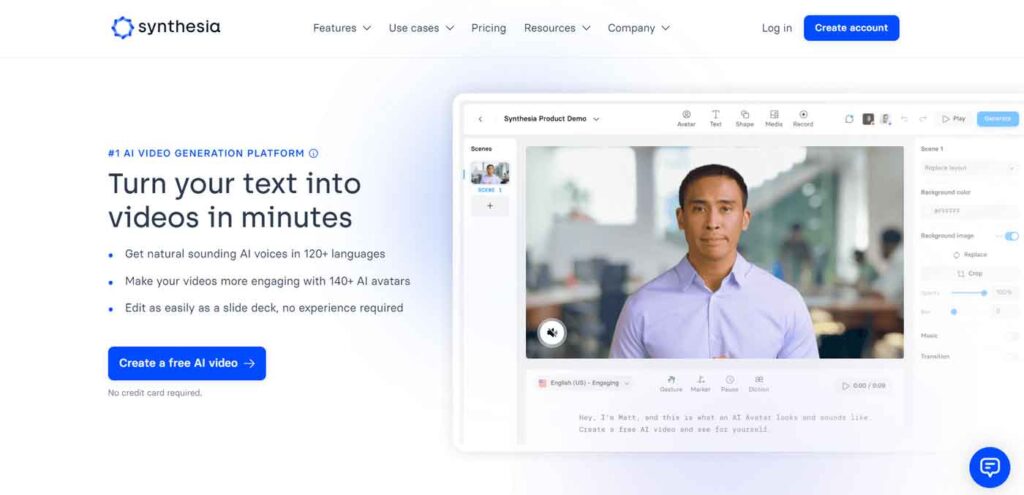
This AI video generator has long been a favorite choice among the best free options for generating content with pre-produced AI presenters. What sets it apart? It addresses the concerns of deep fakes by prioritizing ethical AI use.
The platform prohibits the recreation of celebrities or political figures without explicit consent and enforces strict pre-screening to ensure only compliant content is posted.
Key Features
- 140+ languages for voiceovers
- 160+ realistic AI avatars with gestures
- 60+ video templates
- Custom avatars
- AI script generation
- Auto translation
- Collaborative video editing
Pros and Cons
Pros
- Realistic AI avatars cater to diverse audiences.
- Supports over 120 languages and accents for global reach.
- User-friendly editing studio simplifies video creation.
Cons
- Personal plan restricts to ten video credits monthly.
- Custom avatar creation service can be expensive.
Price
- Starter Plan: $22 per month
- Creator Plan: $67 per month
- Enterprise: Custom
Read Synthesia Full Review Here
9. Pictory
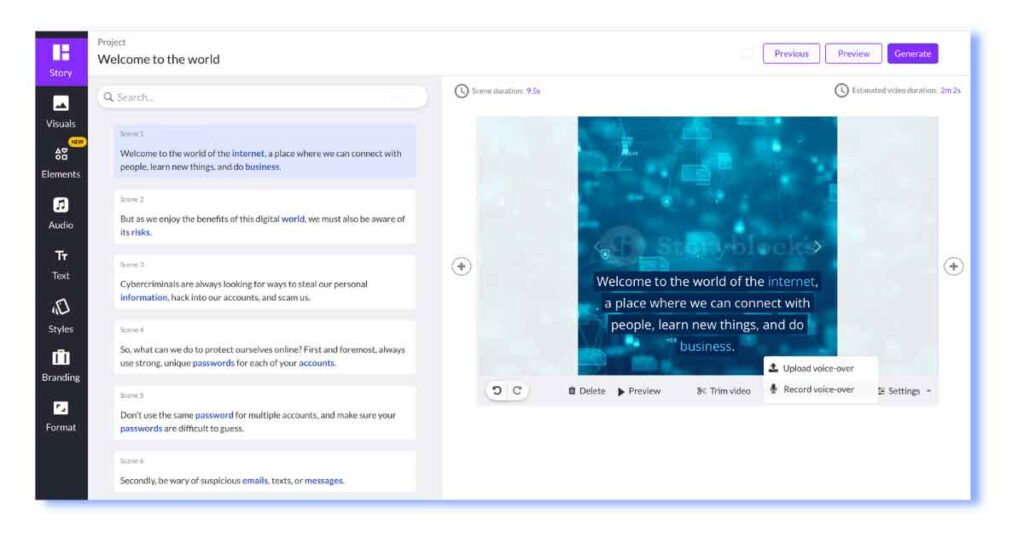
Pictory is an AI video generator focused on condensing lengthy content into captivating branded videos effortlessly. It simplifies the process by transforming blog posts, articles, and text-based documents into compelling videos with just a link as the input source.
Key Features
- It supports different aspect ratios
- It offers an extensive library of templates to choose from
- It can add automatic captions to videos
Pros and Cons
Pros
- Supports video creation in different aspect ratios
- Includes text-to-speech function for narration
- Offers a vast library of templates for all use cases
Cons
- Supports voiceovers in English only
- Visuals may not always match the script
Price
- Standard plan: $23/month for 30 videos
- Professional plan: $47/month for 60 videos
- Teams plan: $119/month for 90 videos
10. Synthesys
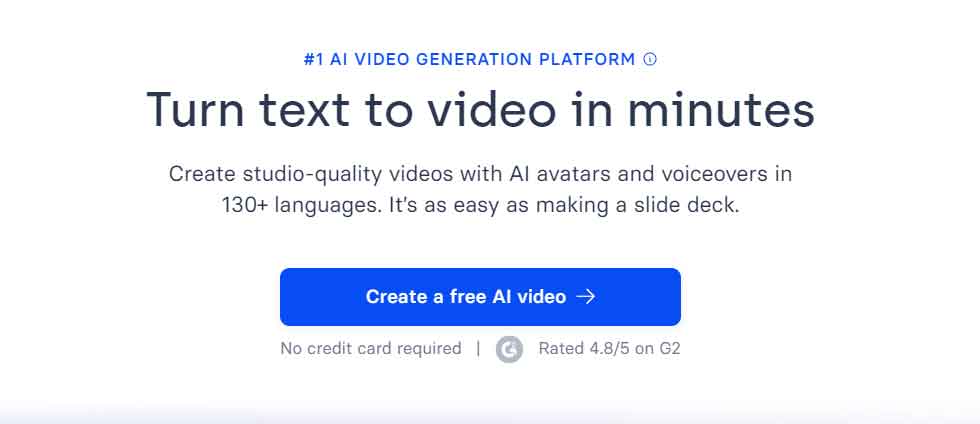
Synthesys leads our list of best AI video generators, specializing in text-to-voiceover and video algorithms for commercial use. It aims to streamline video content creation, such as explainer videos and product tutorials, in mere minutes. Leveraging its Synthesys Text-to-Video (TTV) technology, the platform transforms scripts into dynamic media presentations.
With Synthesys, creators and companies can generate videos featuring lip-syncing AI technology without the need for cameras or film crews. Users simply select an avatar, input their script in one of 140+ available languages, and the tool generates a high-quality video.
The platform boasts 69 real “Humatars” and a voicebank offering 254 unique styles. It also provides full customization options, an intuitive interface for editing and rendering, and delivers high-resolution output.
Key Features
- 69 real Humatars
- 140+ languages and 254 unique styles
- Excellent tool for explainer videos, eLearning, social media, and product descriptions
- Easy-to-use interface
Pros And Cons
Pros
- Natural-sounding speech
- Multiple voices and languages
- Cost and time efficiency
- Consistency
- Accessibility
Cons
- Lack of emotional expression
- Limited customization
- Ethical concerns
- Artificial sound
- Dependency on technology
Price
- Personal $20/m
- Creator Unlimited
- $59/mo
- Business Unlimited $99
11. Hey Gen
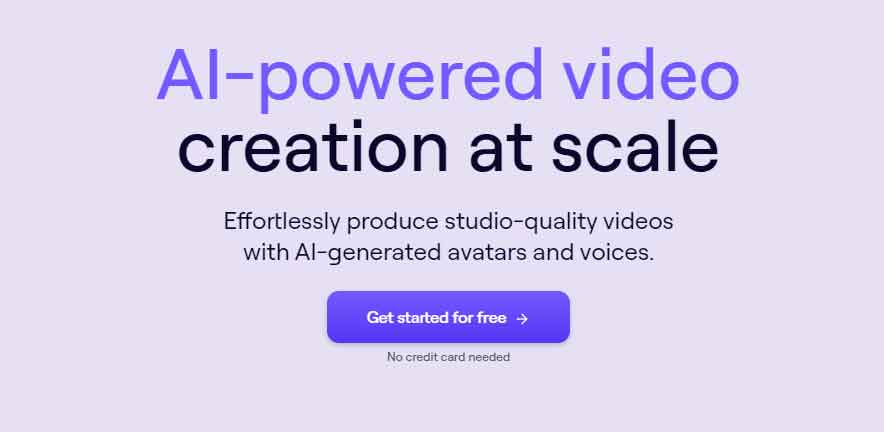
In HeyGen, users have access to over 100 stock avatars, featuring a mix of real-life and computer-generated models. These avatars offer versatility with up to 5 outfit variations, ideal for brand representation. Additionally, HeyGen allows users to create custom avatars through four different methods.
Key Features
- 100+ AI avatars
- 36 templates
- 40 languages
- Face-swap option within the platform
- Landscape and portrait format for your videos
- Generative outfit feature
Pros and Cons
Pros
- Advanced language generation capabilities
- Ability to generate diverse content types, including text, code, and more
- Customizable and controllable output
- Potential for boosting productivity and creativity
- Can aid in various tasks, from content creation to problem-solving
Cons
- Risk of generating inaccurate or biased content
- Ethical concerns regarding misuse, such as spreading misinformation or generating harmful content
- Dependence on large datasets, which may limit accessibility for some users
- Potential for overreliance, leading to reduced critical thinking or creativity
- Technical limitations and occasional errors in output
Price
- Free demo: 1 minute of video
- Essential plan: from $30/month for 10 minutes of video
- Pro plan: from $225/month for 90 minutes of video
- Enterprise plan: custom prices
12. BasedLabs
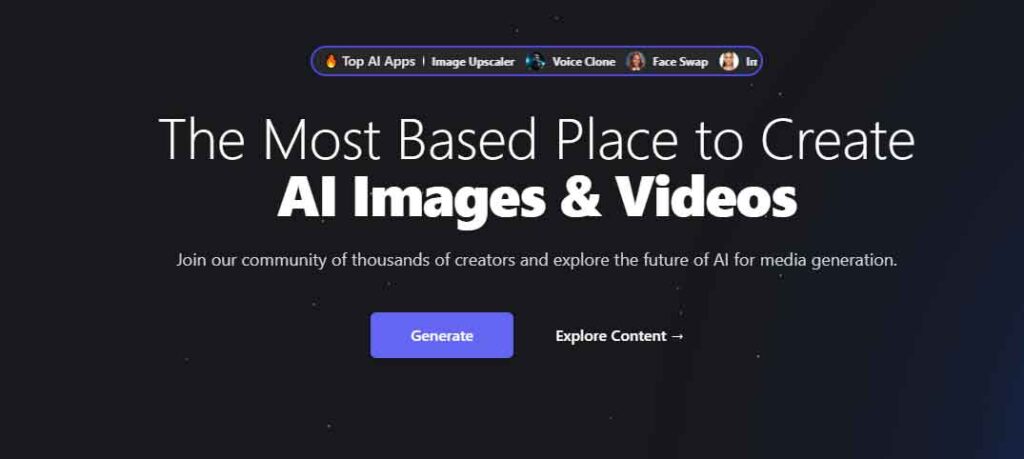
BasedLabs redefines video generation, effortlessly transforming static images into dynamic videos. Packed with AI tools, it offers a fun and simple way for creators of all kinds to craft unique content, whether they’re influencers, entrepreneurs, or photographers.
With features like AI Video Generator, Faceswap, Selfie Generator, Image Extender, and Upscaler, BasedLabs empowers users to bring their ideas to life with compelling visual stories. Stand out on social media, marketing, or portfolios with the AI Video Generator, and join the vibrant BasedLabs community for inspiration and collaboration.
Key Features
- BasedLabs turns images into videos with AI technology.
- Ideal for creators, influencers, and businesses.
- Features include AI Video, Faceswap, and Image Upscaler tools.
- Quickly enhances social media and marketing content.
- Fosters a collaborative community for creatives.
Pros and Cons
Pros
- Cutting-edge AI technology tailored for specific applications
- Customization options to meet specific business needs
- Potential for increased efficiency and productivity in various tasks
- Access to advanced features such as natural language processing and machine learning
- Integration capabilities with existing systems and platforms
Cons
- Initial setup and integration may require technical expertise
- Cost implications, especially for advanced features or extensive usage
- Dependency on data quality and quantity for optimal performance
- Ethical considerations regarding data privacy and potential biases in algorithms
- Potential need for ongoing maintenance and updates to keep up with evolving AI technologies
Summary
These top 12 AI video generators are revolutionizing content creation by seamlessly transforming images into captivating videos. Catering to a diverse audience, these tools simplify the video production process, making it accessible for creators, businesses, and photographers.
With intuitive interfaces and advanced video generation capabilities, they empower users to enhance their digital presence and storytelling without requiring complex editing skills. These platforms not only simplify content creation but also pave the way for innovative visual storytelling in the digital era.